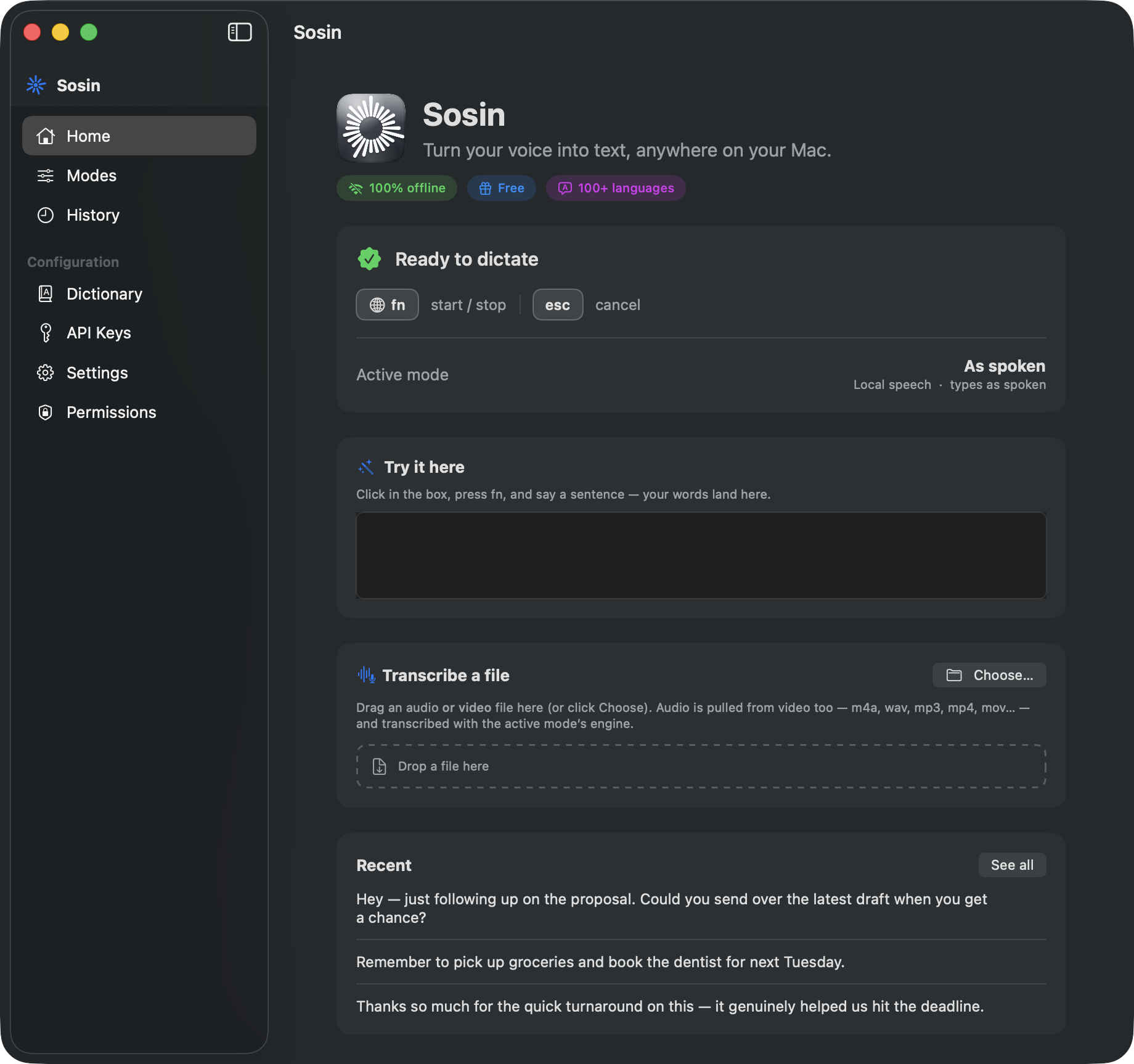
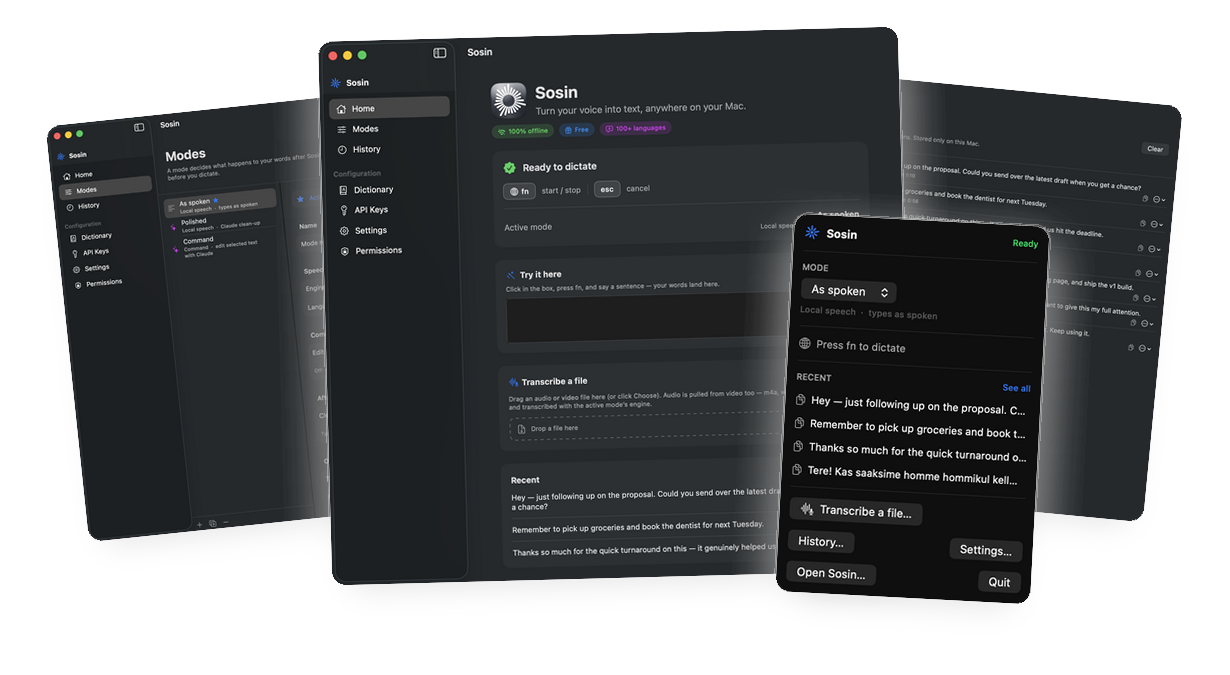
zupereasy lives in your menu bar and turns your voice into perfectly formatted text — in any app on your Mac. Tap to start, talk, tap to stop.
Works in every app you already use
See it in action
Press fn and a pop-up slides in at the top of your screen — a live waveform while it listens, with your words streaming in real time. Release, and the finished text lands in whatever app you’re in.
A real, native Mac app
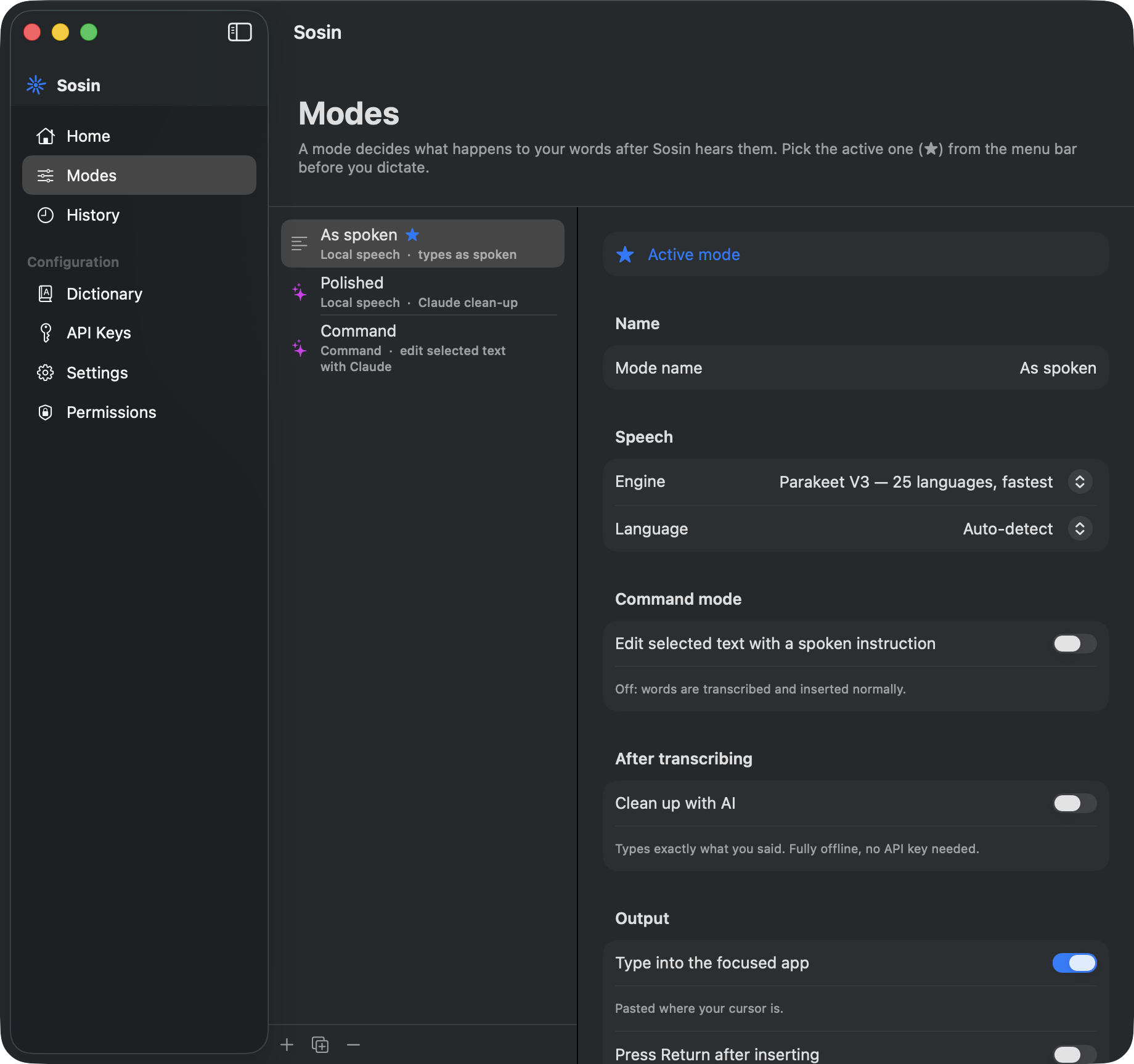
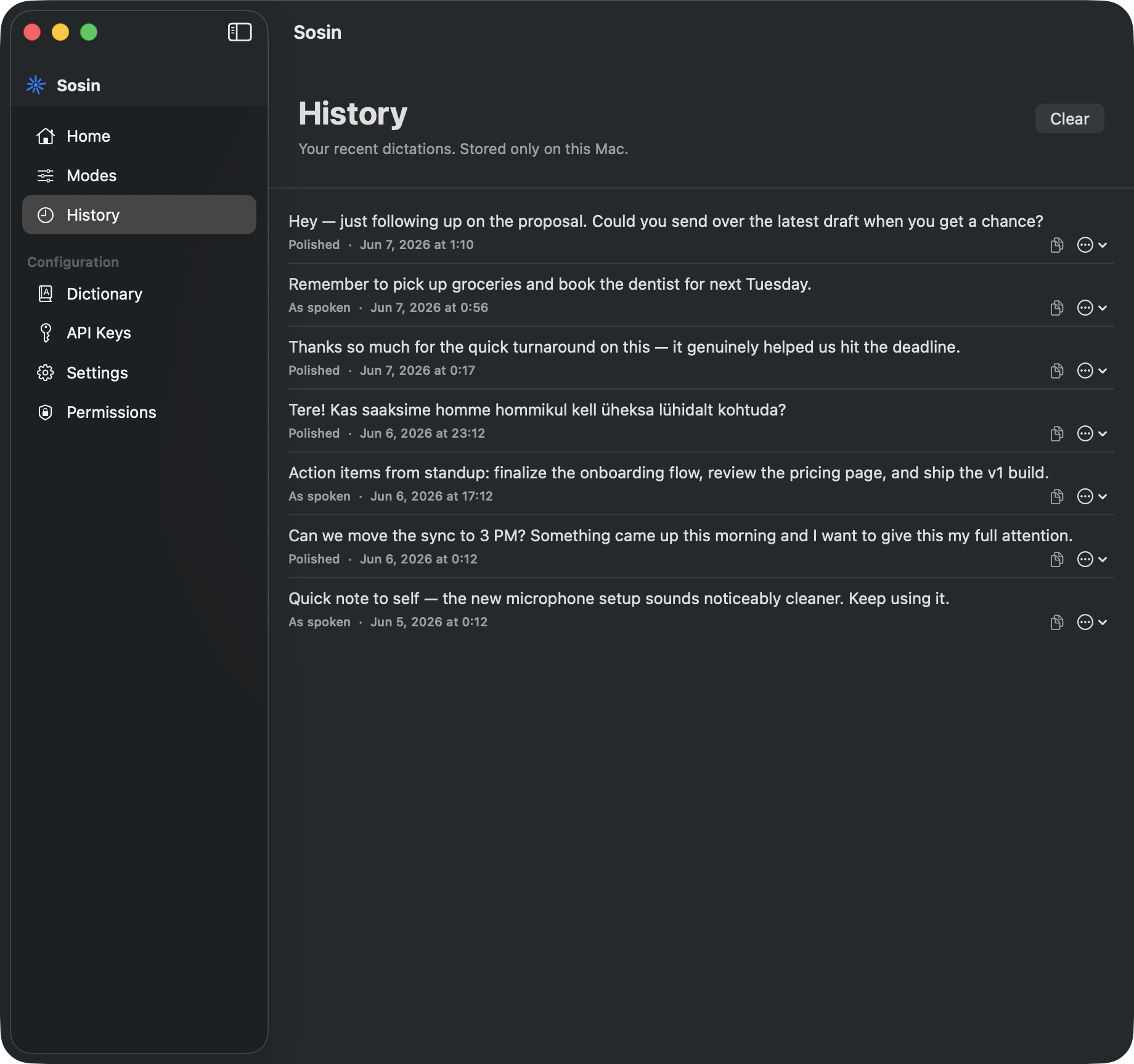
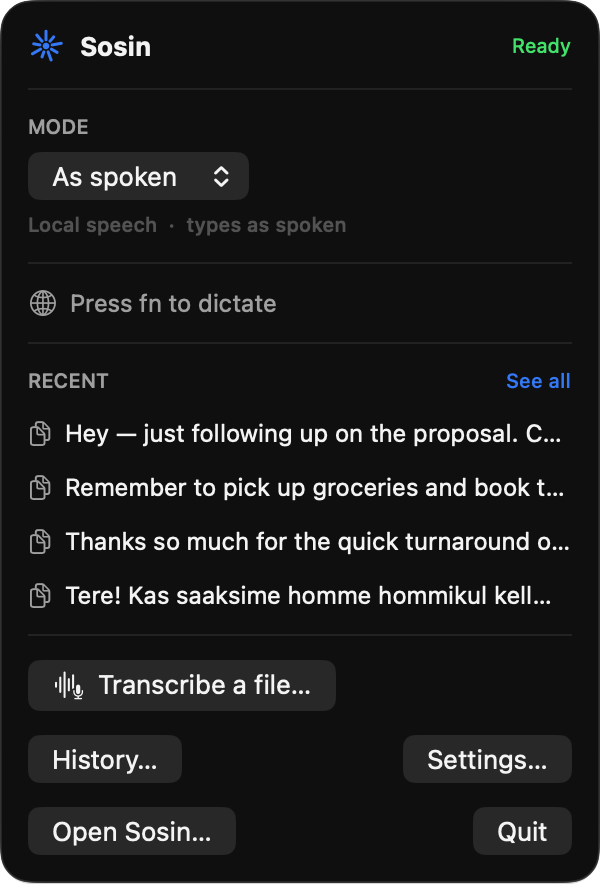
Modes, history, a personal dictionary, your own shortcut, and a menu-bar companion — all in a clean, native app.
Why zupereasy
Built for people who think faster than they type. zupereasy is accurate, instant, and gets out of your way.
Words appear as you speak, with near-zero latency. Release the key and the text is already there.
Transcription runs on-device on Apple silicon. Your voice never has to leave your Mac.
Automatic punctuation, capitalization, lists and paragraphs — it writes the way you'd type.
Speak naturally in your language, or mix two. zupereasy keeps up and switches seamlessly.
Teach it names, jargon, and acronyms once. It'll spell them right every time after.
A single global hotkey works in Mail, Slack, your editor — any text field, system-wide.
Dictate in one language and get clean text in another — 40+ languages, on a mode you pick.
Bring your own Claude or GPT key to polish, rewrite, and match the app's tone — your key, your data.
A built-in Usage view tracks words dictated, time spoken, and your activity over the week.
How it works
No keys to hold down. Tap once to begin, talk as long as you like, then tap again — your text lands exactly where your cursor is.
Tap your zupereasy shortcut from any app. The menu-bar mark wakes up and starts listening — completely hands-free.
Say as much as you want, at your own pace. A live waveform shows zupereasy catching every word in real time.
Tap the shortcut again. Your clean, punctuated text drops straight in — no copy-paste, no cleanup.
FAQ
Yes. Transcription runs entirely on your Mac — your audio never has to leave the device. The optional AI clean-up modes only run if you add your own API key, and only send text to the provider you choose.
Anywhere you can type. zupereasy pastes into the focused text field system-wide — Mail, your browser, a code editor, chat apps, notes, forms. One global shortcut, every app.
No. The core on-device dictation is free and needs no key. An API key is only required if you want the AI clean-up and command modes, which are optional.
100+. The Parakeet engine covers 25 of the most common languages with a live preview; the Whisper engine adds 100+ more. Language is auto-detected, and you can even mix two.
macOS 13 or later, on both Apple silicon and Intel. On Apple silicon the on-device models run fastest.
Press to start, press again to stop — no holding. By default that’s the fn (Globe) key, but you can set any shortcut. Esc cancels.
Pricing
7-day free trial · cancel anytime · 30-day money-back guarantee · every plan keeps the full free tier forever
Join thousands who write three times faster with their voice. Free to try — no card required.
Your download is starting — three quick steps and you’re dictating.
zupereasy.dmg downloads — click it when it finishes.
Drag zupereasy into Applications, then double-click to open.
Allow access, set your shortcut, press fn and talk.